
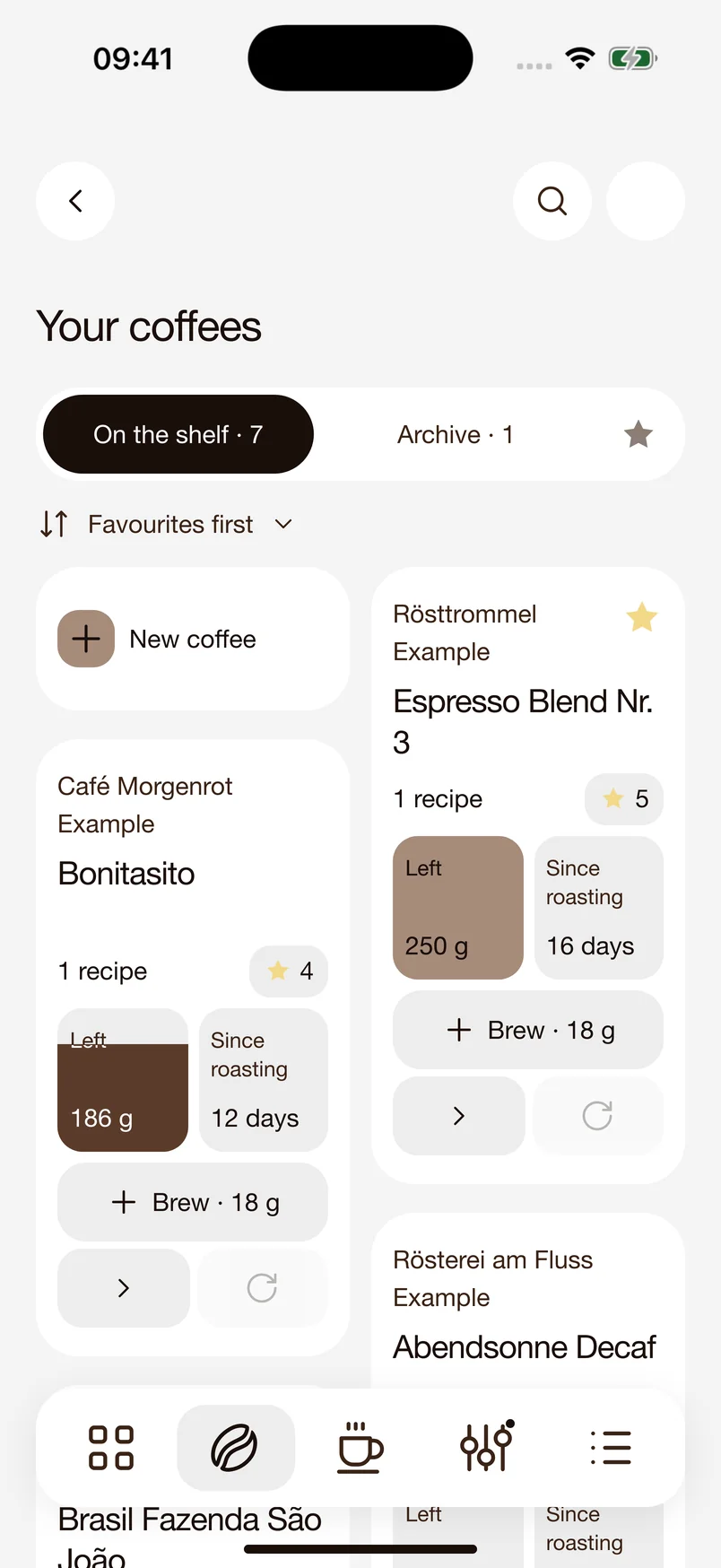
Choose your beans.
Keep roast details, stock levels, and recipes together. Choose your beans and your grinder, so every shot starts with the right setup.
 Early Access
From a new bag of beans to your favorite recipe. 18/36 helps you dial in, taste, and find your way back to a great coffee.
Discover what your coffee can be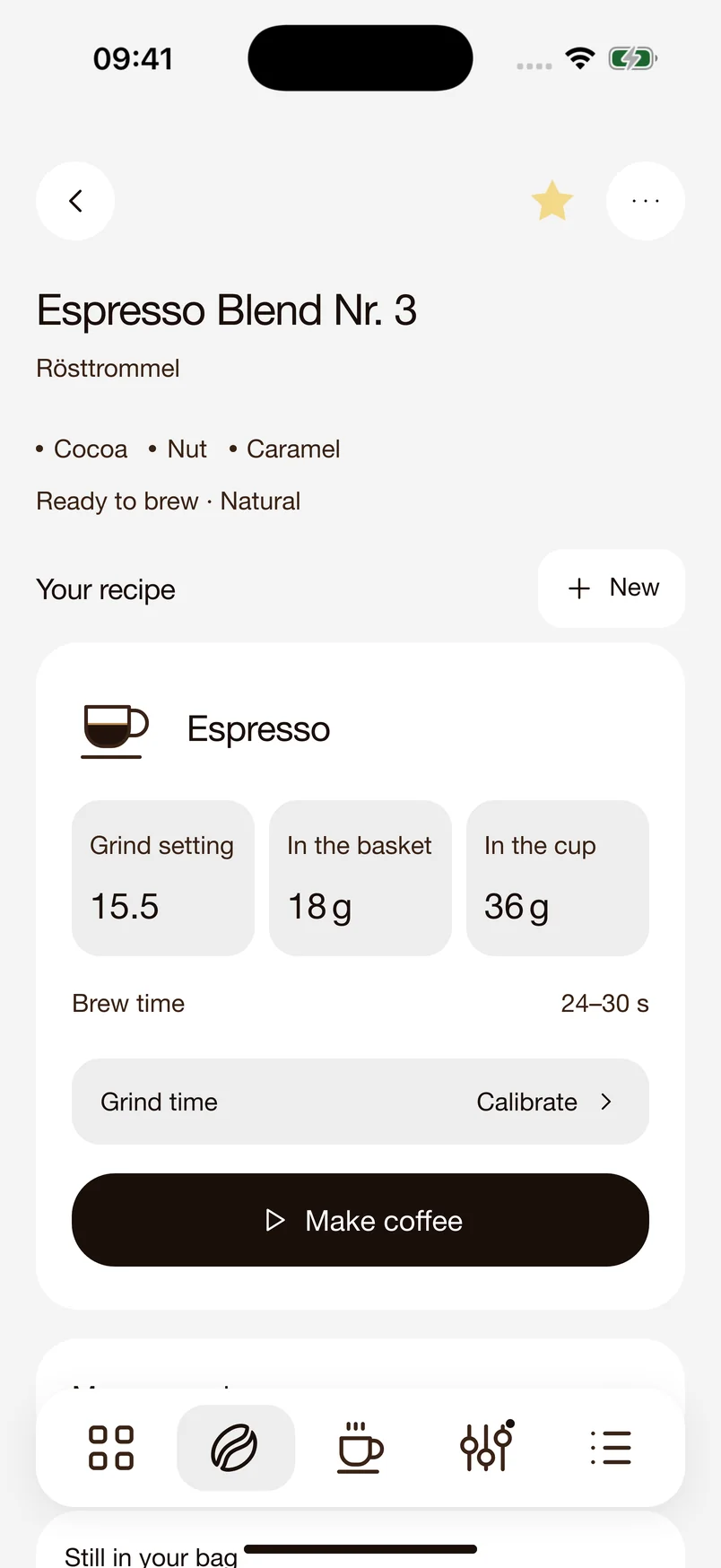
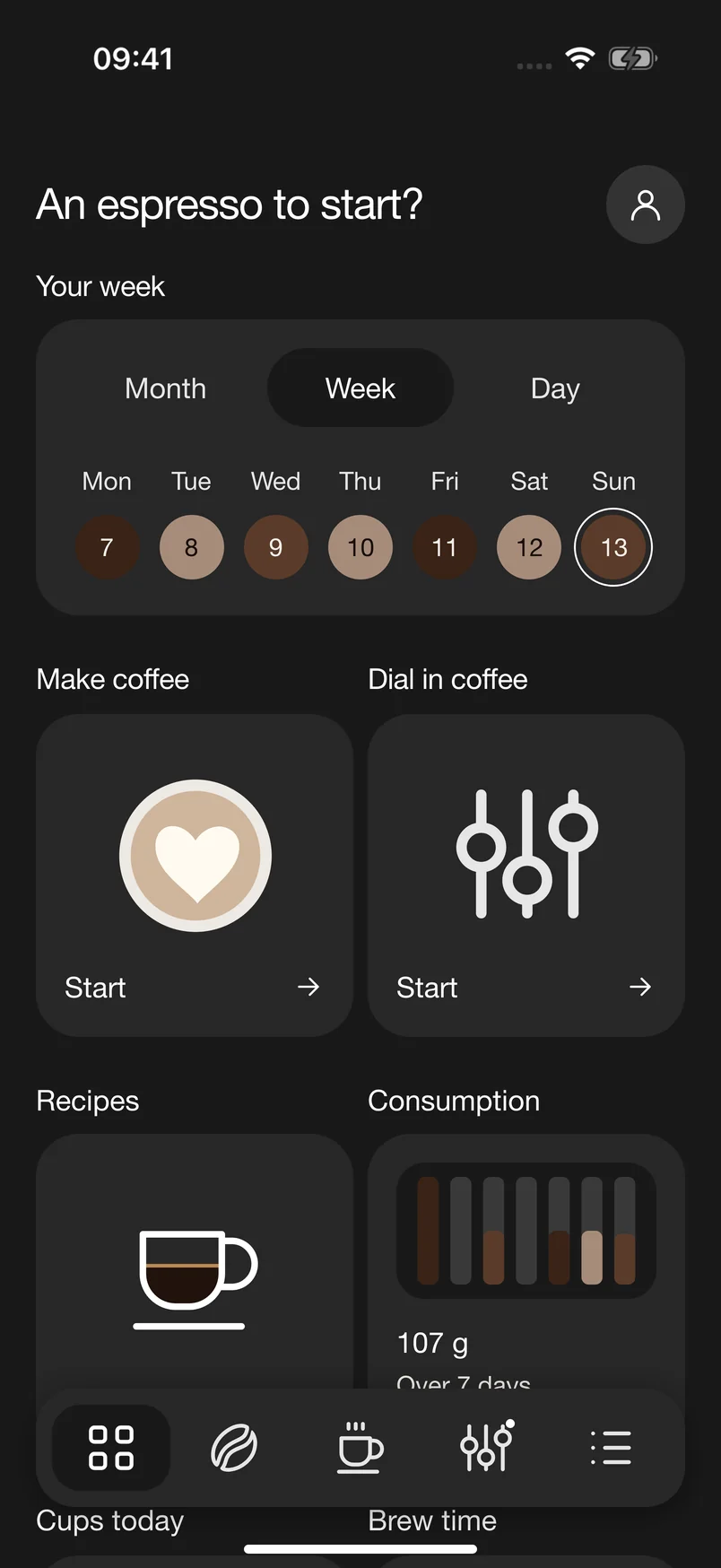
Good espresso takes a little attention. Keep track of what you change and what you enjoy.
Keep roast details, stock levels, and recipes together. Choose your beans and your grinder, so every shot starts with the right setup.
Measure your shot and note how it tastes. Too sour, too bitter, or just right? What you taste guides your next step.
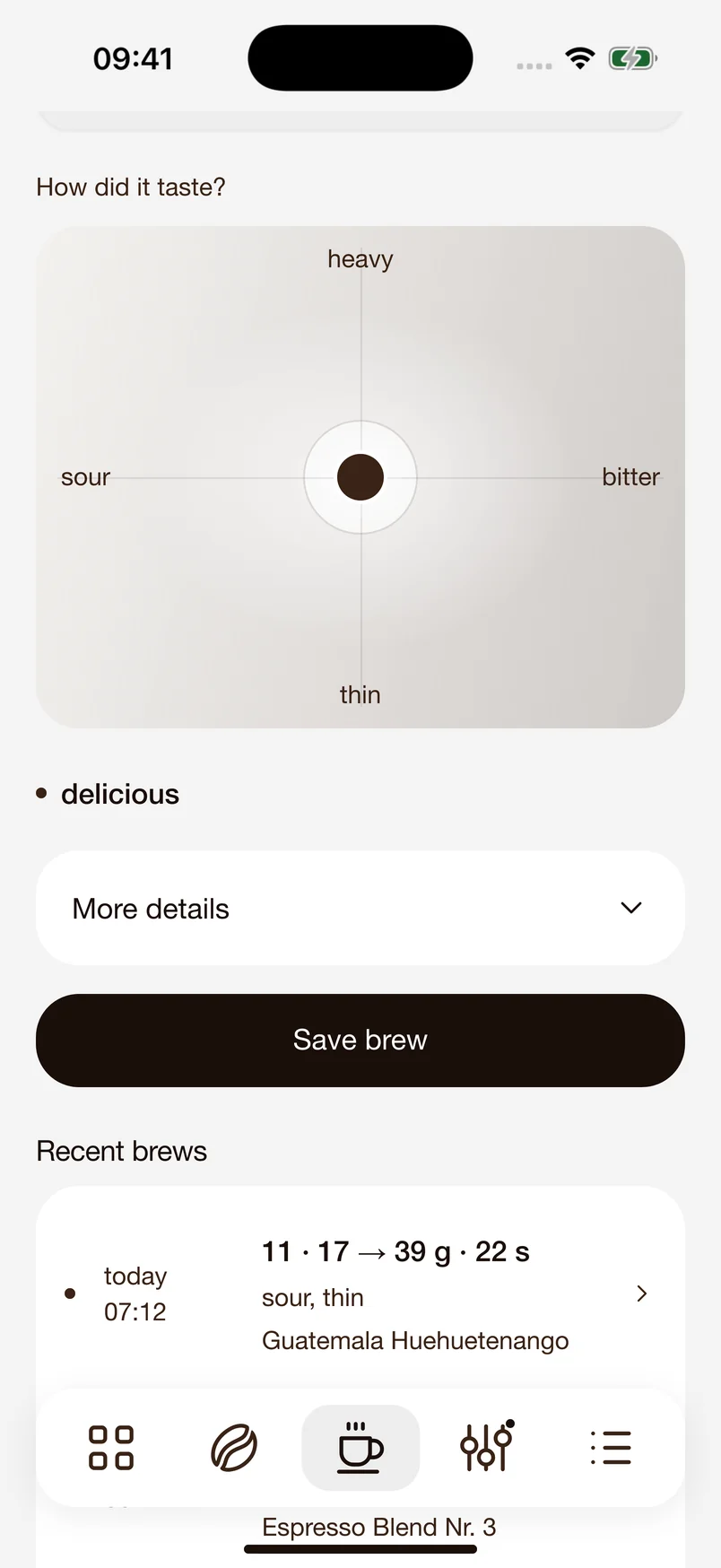
Your taste notes and shot data lead to a specific recommendation, such as grinding a little finer. Try another shot and compare.
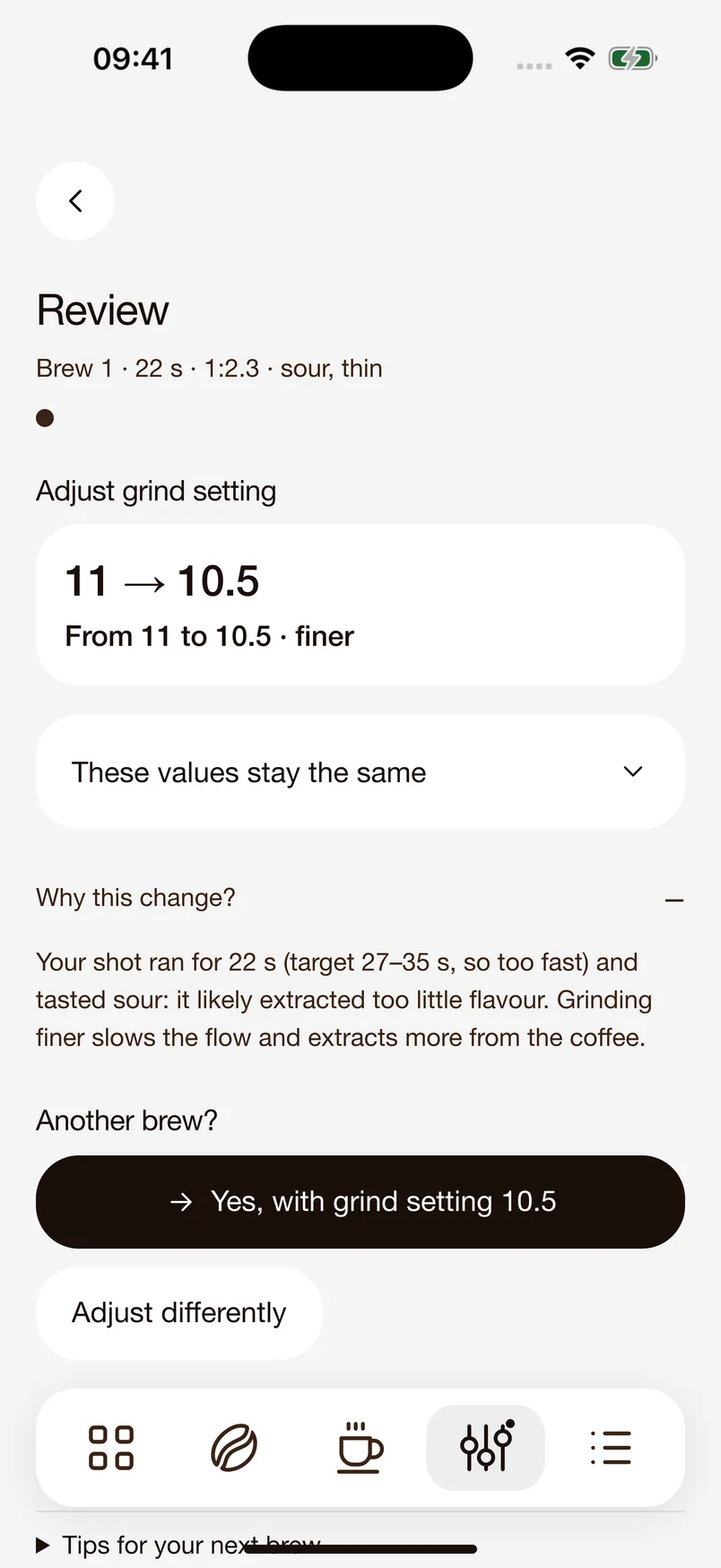
Turn a great shot into a recipe saved with your beans. Grind setting, dose, and target yield stay together. Next time, start with your saved settings.
Enjoy it straight, with milk, or again tomorrow. Choose your drink. Find the ingredients and next steps in the recipe.
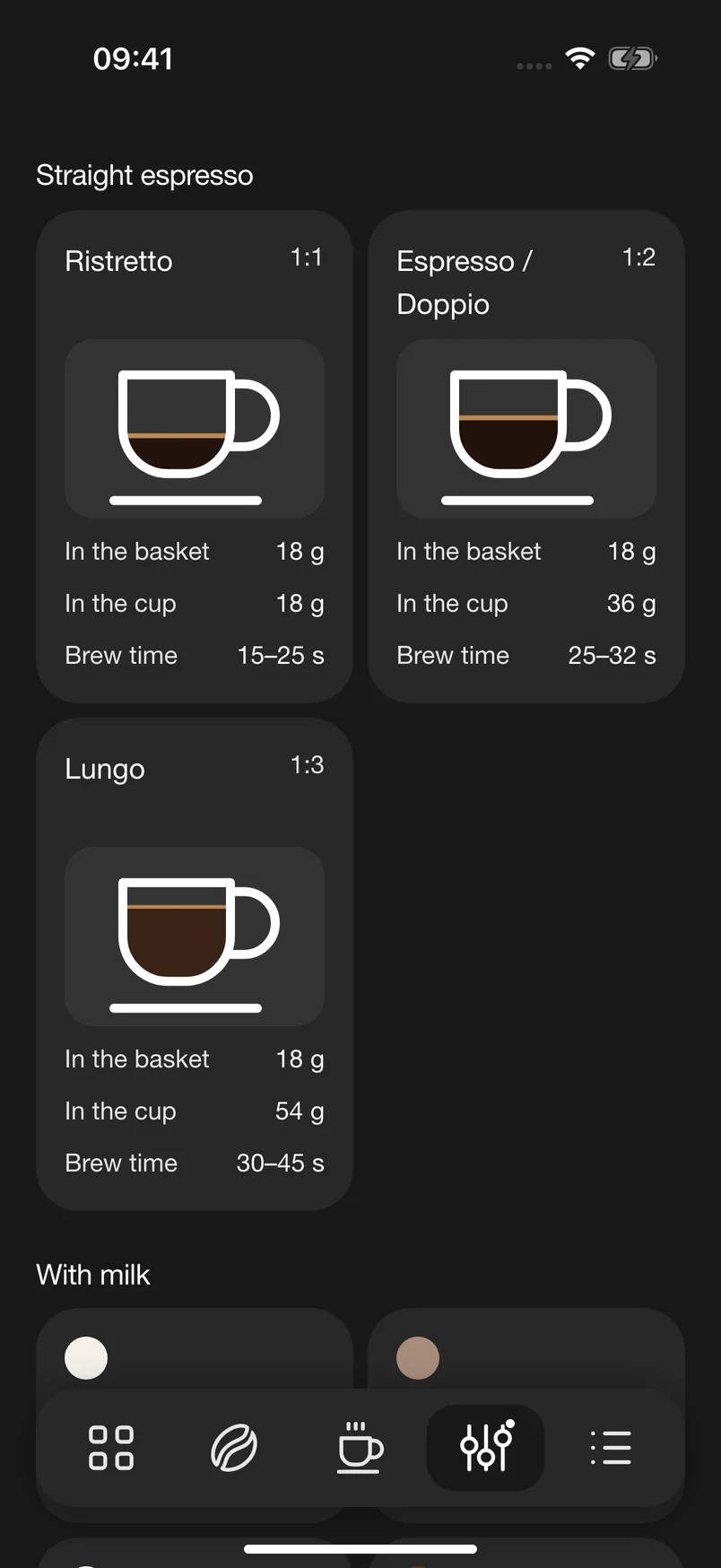
From ristretto to cappuccino. Find the drink you feel like making.
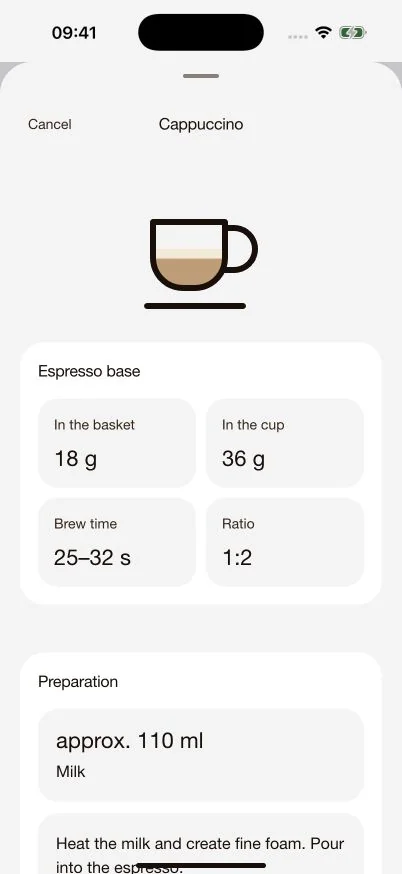
Espresso first. Then the other ingredients, such as 110 ml of milk for your cappuccino.
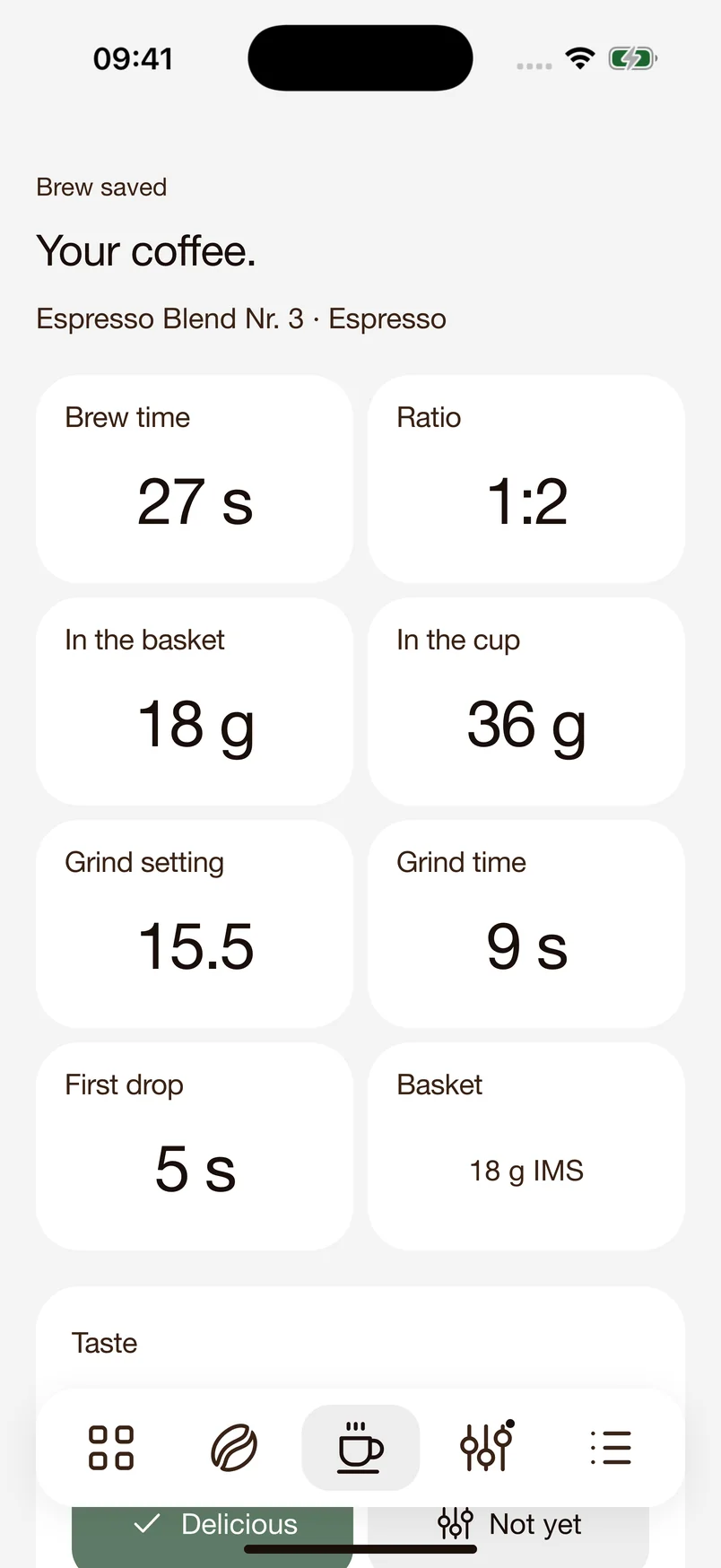
What made that shot so good? Your settings and taste notes stay together.
Your choice.
18/36 is being built for people who care about their espresso. As an early tester, use the app with your own machine and help make it better.
An unclear recommendation? One step too many? Your experience helps us see what needs more work.
Here’s one way to get started: save three shots and share some honest feedback. What helped? What got in your way? That’s what we want to hear.
How to share feedbackFor home baristas with an iPhone and an espresso machine. No testing experience needed. Just your coffee and a willingness to try something new.
Install the beta using Apple’s free TestFlight app.
TestFlight on the App StoreOpen our invitation on your iPhone. In TestFlight, tap “Accept,” then “Install.”
Open the invitationAdd your beans, choose your grinder, and explore the app. You’re ready for your first shot.
Open TestFlight, select 18/36, and tap “Send Beta Feedback.” Briefly explain what you were trying to do. Add a screenshot if it helps.
Apple’s feedback guide“I got stuck here.”
“I’d like to save this.”
“This recommendation wasn’t clear.”
A few sentences about your experience are enough.Yes. TestFlight and the beta are free. If 18/36 offers a trial or a Pro unlock, TestFlight handles it as a free test purchase. No subscription is created. Test purchases do not carry over to the future App Store version.
You don’t need an account or an email address on this website. Beta access is provided directly through Apple’s TestFlight. 18/36 does not require its own user account either.
No. Whether you’re dialing in your first espresso machine or already have favorite recipes, your experience helps us. What matters is how 18/36 fits into your everyday coffee routine.
The app is still being developed. You may encounter bugs, and workflows may change. A TestFlight build can be used for up to 90 days after upload. New versions arrive through TestFlight. Back up important recipes regularly using the app’s backup feature.
Through TestFlight, Apple provides the development team with information including usage data, crash logs, and feedback you submit. Read more in Apple’s TestFlight privacy information and our app privacy policy.
Open the link on your iPhone and install TestFlight first. Apple will show you whether a compatible build is available. If you’re still stuck, visit Help & contact to get in touch.
With your consent, we count your visit and your click to TestFlight using a random identifier, along with the channel that brought you here. No names or email addresses. You can use the beta without analytics.